Loading...
Pricing model · Paid
This page introduces an external resource. Visit its official website to use it and check current pricing and terms.
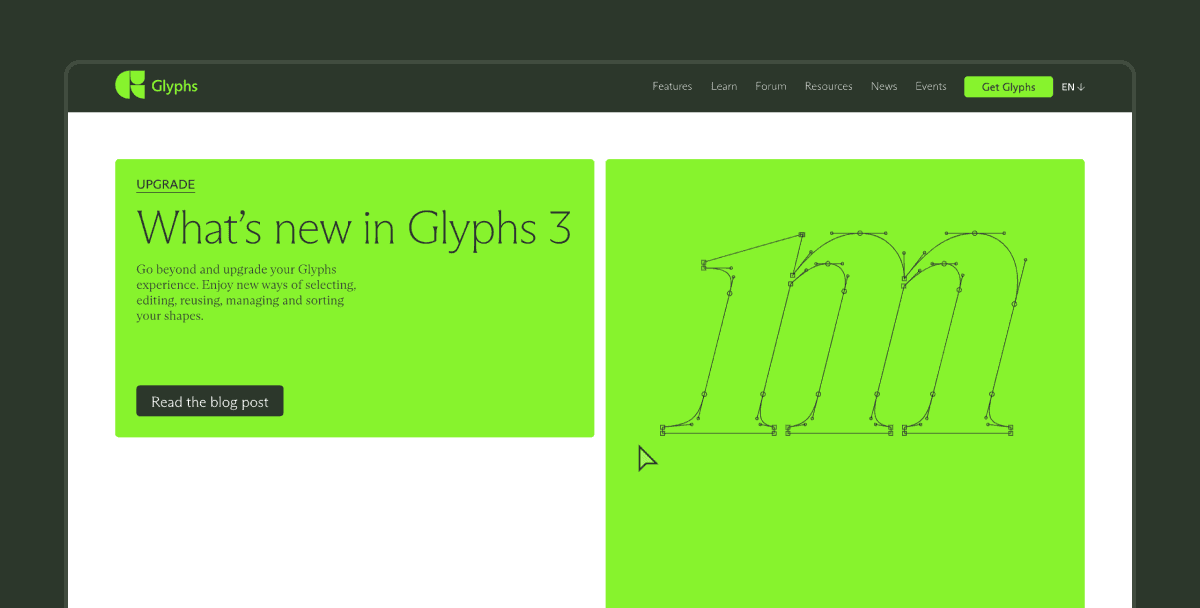
A professional font design tool for designers, typographers, and type developers. Create and edit fonts from scratch, export OpenType, with support for multiple languages and complex features.
Related resources
Subvecta
Category: Design Tool
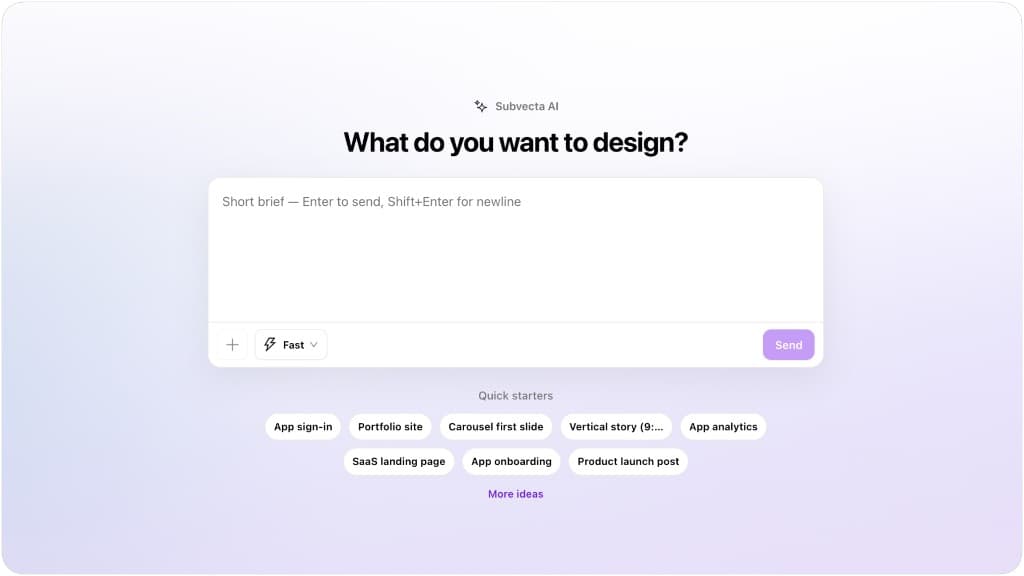
With the new Subvecta, you can generate fully editable designs — not static images — across UI, posters, and more, all on an infinite canvas.
Read introduction →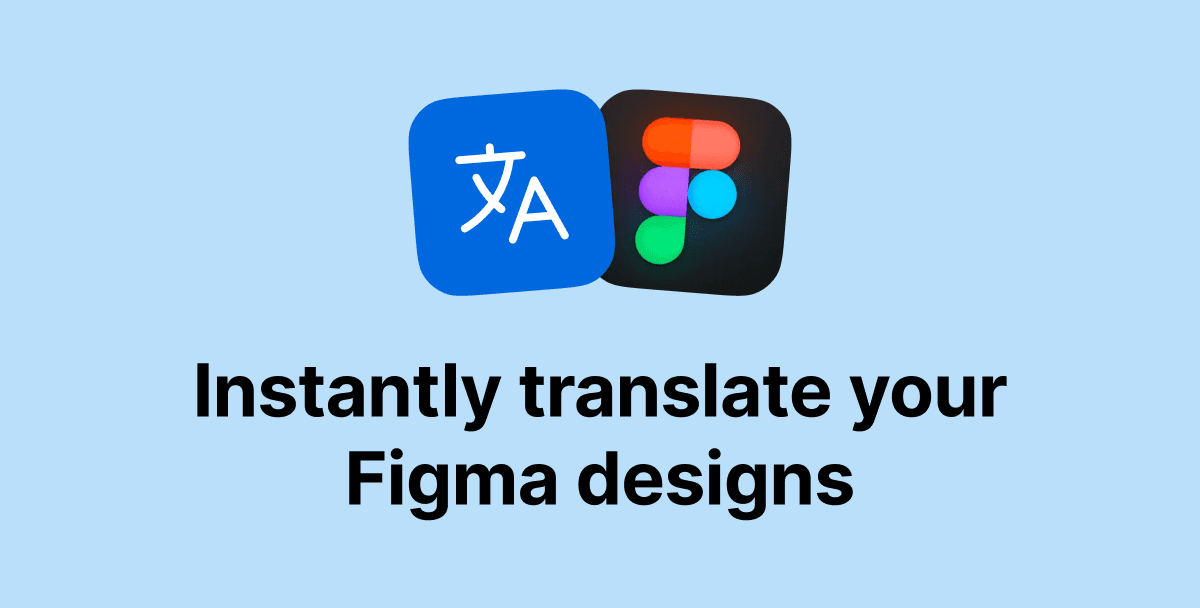
Figma Translator AI
Category: Design Tool
Translate your designs instantly in 100+ languages with intelligent context understanding. Batch translate multiple nodes, add custom instructions for tone and style, and localize your designs with ease.
Read introduction →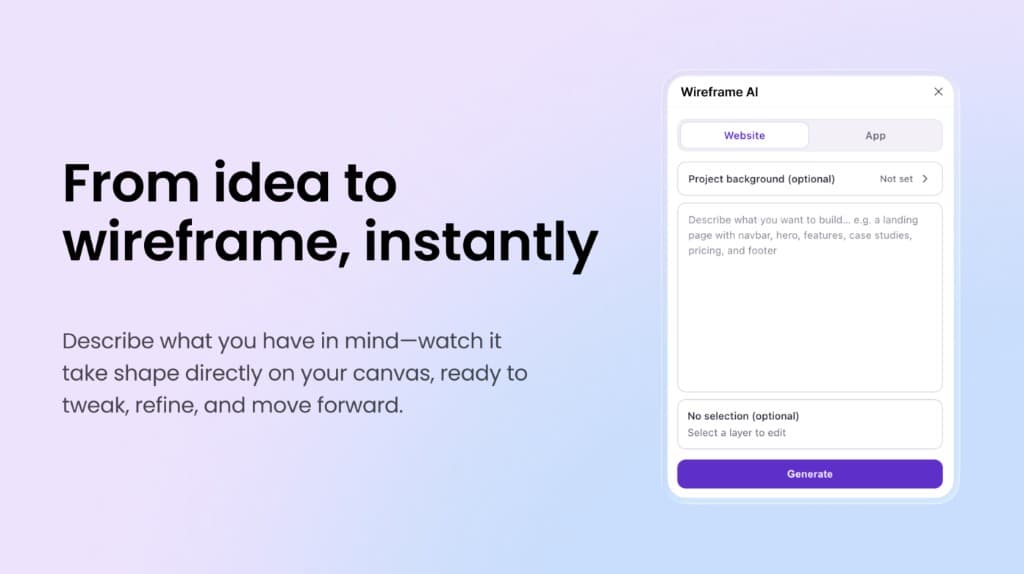
Wireframe AI
Category: Design Tool
From idea to wireframe, instantly. Describe what you want to build in plain language—Wireframe AI generates layouts on your Figma canvas so you can tweak, refine, and move forward. Works for website and app flows.
Read introduction →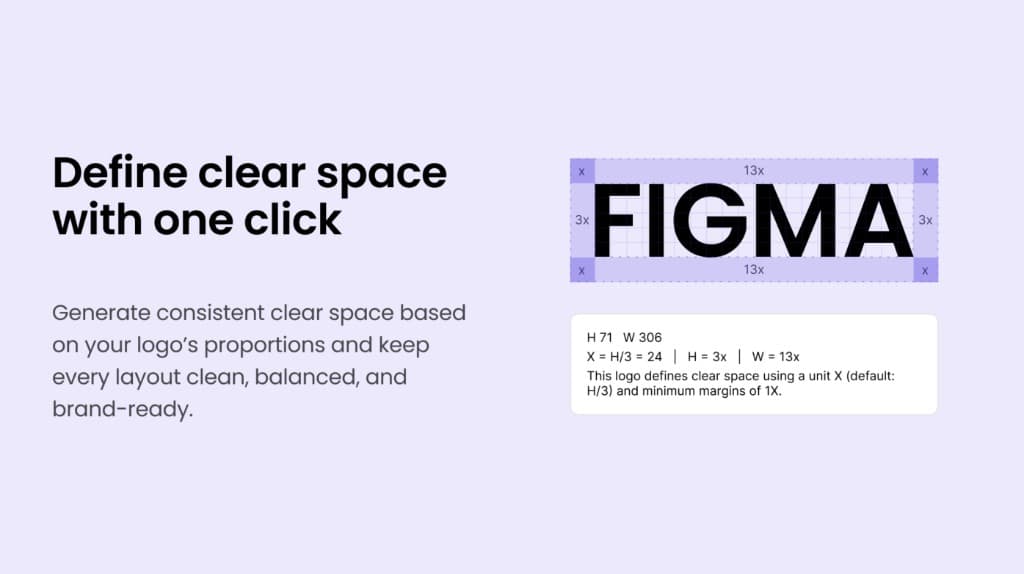
Logo Grid
Category: Design Tool
Logo Grid automatically generates grid lines and related auxiliary elements from the selected logo layer for annotation and documentation. It can also generate the logo safe area and corresponding markers. Optional theme colors and an information caption help fit brand guidelines and slide decks.
Read introduction →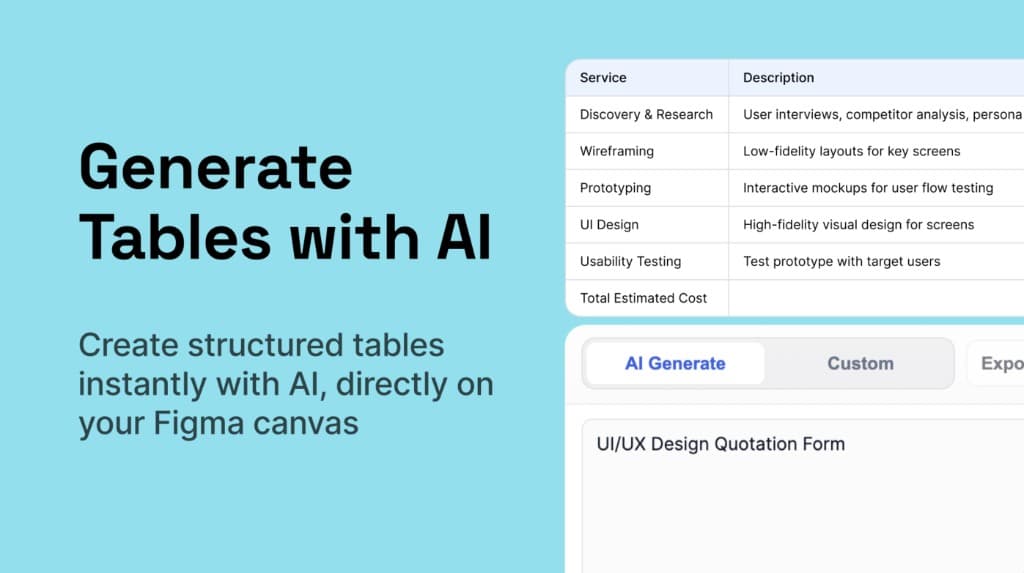
Tably — Table Generator
Category: Design Tool
Generate tables with AI. Create structured tables instantly with AI, directly on your Figma canvas—ideal for quotations, scopes of work, and spec sheets you can tweak before export.
Read introduction →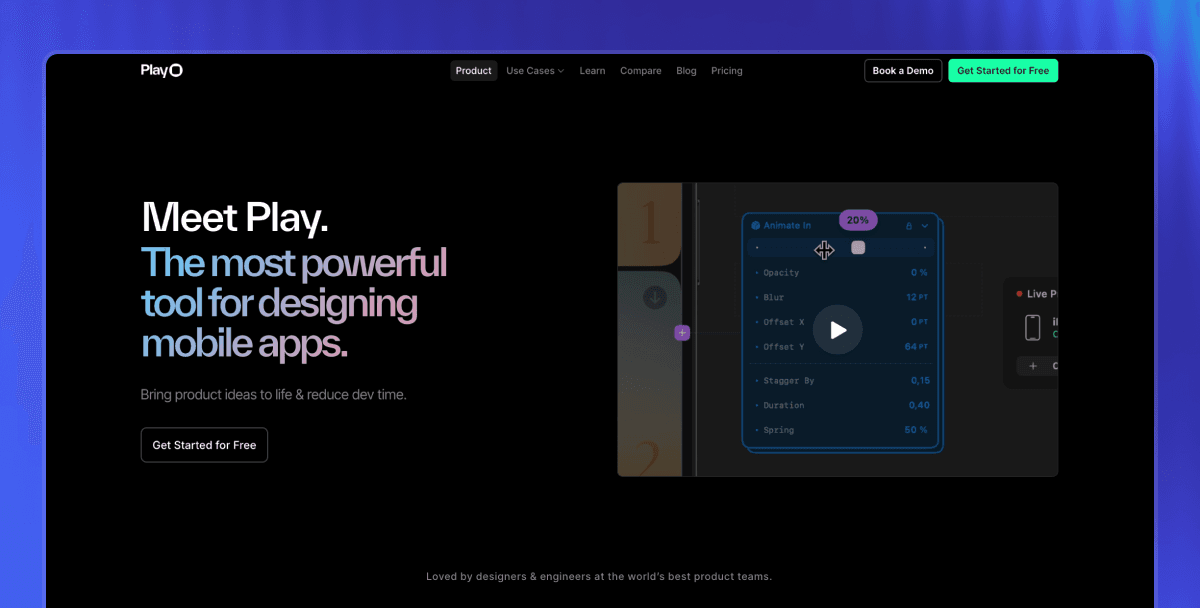
Play
Category: iOS Prototyping
A powerful tool for designing mobile apps. It combines a familiar design canvas with native Apple iOS elements—date pickers, maps, Swift charts, text fields—so you can use them directly in your designs.
Read introduction →